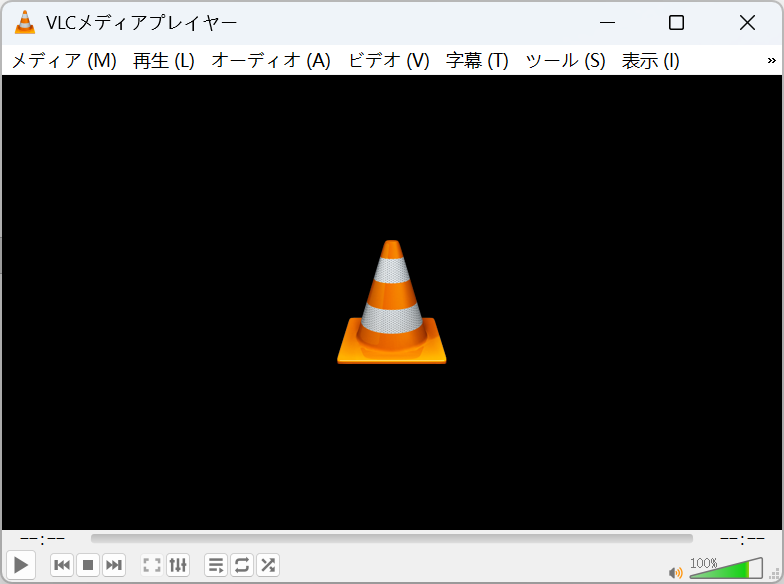
VLC Media Player について
VLC は非営利団体 VideoLAN が開発する無料のオープンソース・クロスプラットフォームのメディアプレーヤーです。2001 年の初リリース以来、累計ダウンロード数は 45 億回を超え、世界で最も人気のあるプレーヤーの一つとなっています。豊富な内蔵デコーダにより、追加のコーデックパックなしでほぼすべての音声・動画ファイルをそのまま再生でき、DVD・VCD・ネットワークストリーミングにも対応します。
本サイトは独立した VLC ガイドです。バージョン情報、機能紹介、FAQ、インストール手順に加えて、各プラットフォームの公式ダウンロード手段をまとめています。すべてのダウンロードリンクは VideoLAN 公式サーバーを指しているため、常に安全で改変されていないインストーラーを入手できます。
VLC は MP4、MKV、AVI、MOV、WMV、FLV、WebM などの動画形式、MP3、FLAC、AAC、OGG、WAV などの音声形式、SRT・ASS などの字幕形式に対応し、4K・1080p の高解像度再生もスムーズです。
VLC Media Player ダウンロード
お使いの OS を選んで最新版を入手してください。



セキュリティのため、VLC は常に VideoLAN 公式サイトからダウンロードしてください。このページは公式ソースへのリンクです。
VLC のインストール方法
お使いのプラットフォームの手順に沿って、ダウンロードから再生まで 1 分です。
Windows
- 1公式サイトから .exe インストーラーをダウンロードします。
- 2ファイルをダブルクリックし、セキュリティの警告を許可します。
- 3セットアップウィザードに従い、スタートメニューから VLC を起動します。
macOS
- 1.dmg ディスクイメージをダウンロードします。
- 2開いて VLC のアイコンをアプリケーションフォルダにドラッグします。
- 3VLC を起動します。初回に Gatekeeper の警告が出た場合は許可してください。
Linux
- 1ディストリビューションのパッケージマネージャーか Flatpak の利用がおすすめです。
- 2Debian/Ubuntu:sudo apt install vlc を実行。
- 3Fedora:sudo dnf install vlc を実行。
Android
- 1Google Play で「VLC」を検索するか、公式サイトから APK を入手します。
- 2インストールをタップして権限を許可すると、ローカルとネットワークの動画を再生できます。
- 3アプリ設定でハードウェアアクセラレーションと字幕の設定をオンにできます。
iOS
- 1App Store で「VLC media player」を検索してインストールします。
- 2Wi-Fi 共有、クラウドストレージ、ローカルネットワークから動画を取り込みます。
- 3初回起動後すぐに再生でき、追加設定は不要です。
ダウンロード時の安全ポイント
これらのポイントを守れば、バンドルソフトや偽インストーラーを避けられます。
VideoLAN の公式サイトまたは本サイトで案内している公式経路からのみダウンロードし、出所不明のダウンロードサイトは避けてください。
VLC は完全無料です。支払いや「ライセンス認証」を求める「VLC ダウンロード」ページには注意してください。
インストーラーの各画面をよく読み、バンドルされる追加ソフトのチェックは外してください。
ファイルの整合性を確認したい場合は、インストール前に公式公開の SHA-256 チェックサムを照合してください。
ダウンロードの検証(任意) — 上級ユーザーは、各公式リリースと一緒に公開されている SHA-256 チェックサムを照合し、ファイルが改変されていないことを確認できます。
VLCが選ばれる理由
ほぼすべての再生ニーズを満たす、厳選された機能セット。
ほぼすべてのメディア形式を再生
VLC は MP4、MKV、AVI、MOV、FLAC、MP3、HEVC など、ほとんどの音声・動画形式をデコードできます。追加のコーデックパックは不要。必要なものはほとんど内蔵されているため、ファイルは開いてすぐ再生できます。
字幕サポート
外部字幕ファイル(SRT、ASS、SUB)を読み込めるほか、動画に埋め込まれた字幕トラックも使用できます。サイズ、タイミング、同期をいつでも調整できるので、セリフが常に映像と揃います。
ストリーミングとネットワーク再生
HTTP、RTSP、MMS などでネットワークストリームを開いたり、URL を貼り付けて直接視聴したりできます。VLC はストリーミングサーバーとして動作し、ローカルネットワーク上の他のデバイスへメディアを配信することもできます。
メディア変換
内蔵の「変換 / 保存」ツールでファイルを形式間で変換できます。他のデバイス向けに動画を再パッケージしたり、音声トラックを抽出したりできます。別途変換ソフトは不要です。
画面とウェブカムの録画
デスクトップやウェブカムの映像を VLC から直接キャプチャできます。簡単な録画、デモ、ストリームをローカルファイルに保存して後で見るのに便利です。
プレイリスト管理
音楽や動画のマラソン用にプレイリストを作成・保存・並べ替えできます。キューを記憶し、長時間のセッションでもループ、シャッフル、項目ごとのオプションに対応します。
ハードウェアアクセラレーション
デコードを GPU に任せることで、高解像度の再生を滑らかに保ちながら CPU 使用率と消費電力を抑えます。主要なプラットフォームで利用でき、設定で切り替えられます。
オーディオ・ビデオ効果
内蔵イコライザー、フィルター、調整機能で音と映像を微調整できます。アドオンなしで低音を強調したり、音量を標準化したり、明るさやコントラストを調整したりできます。
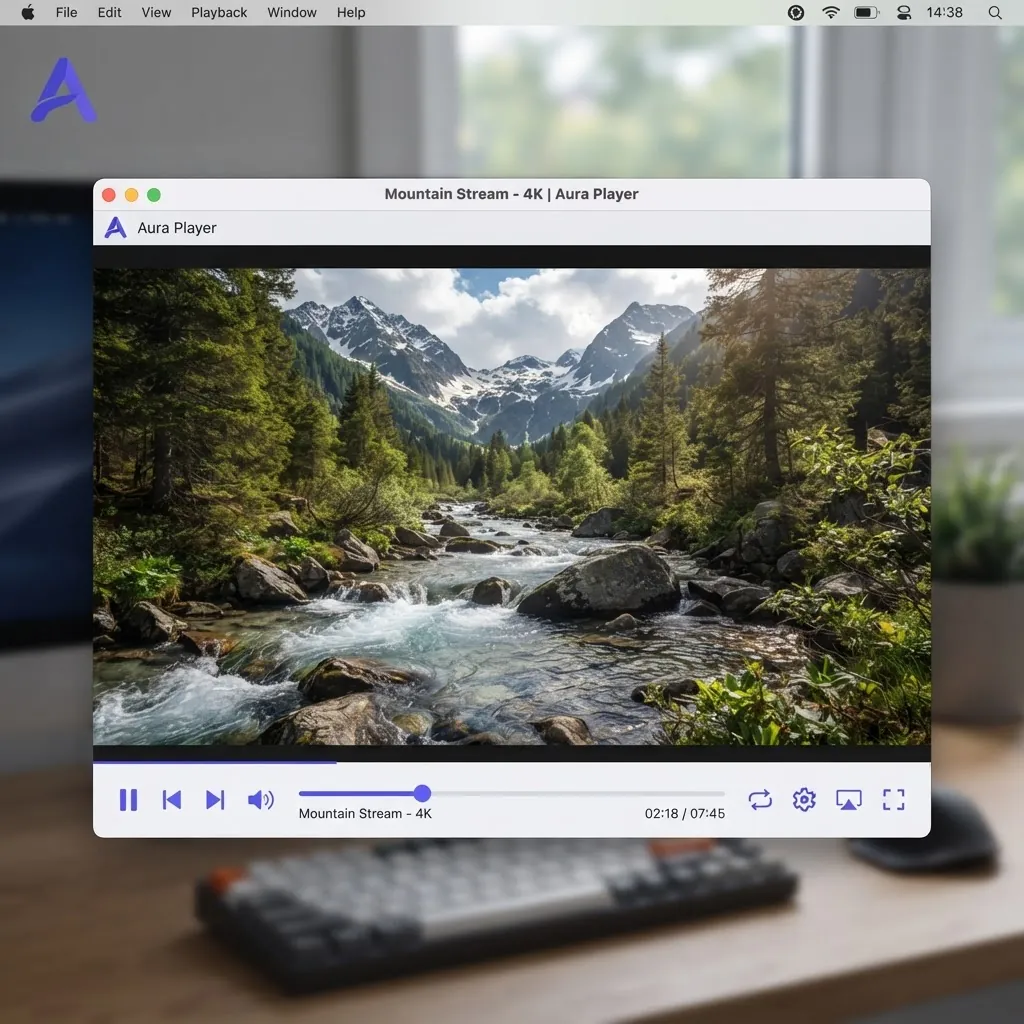
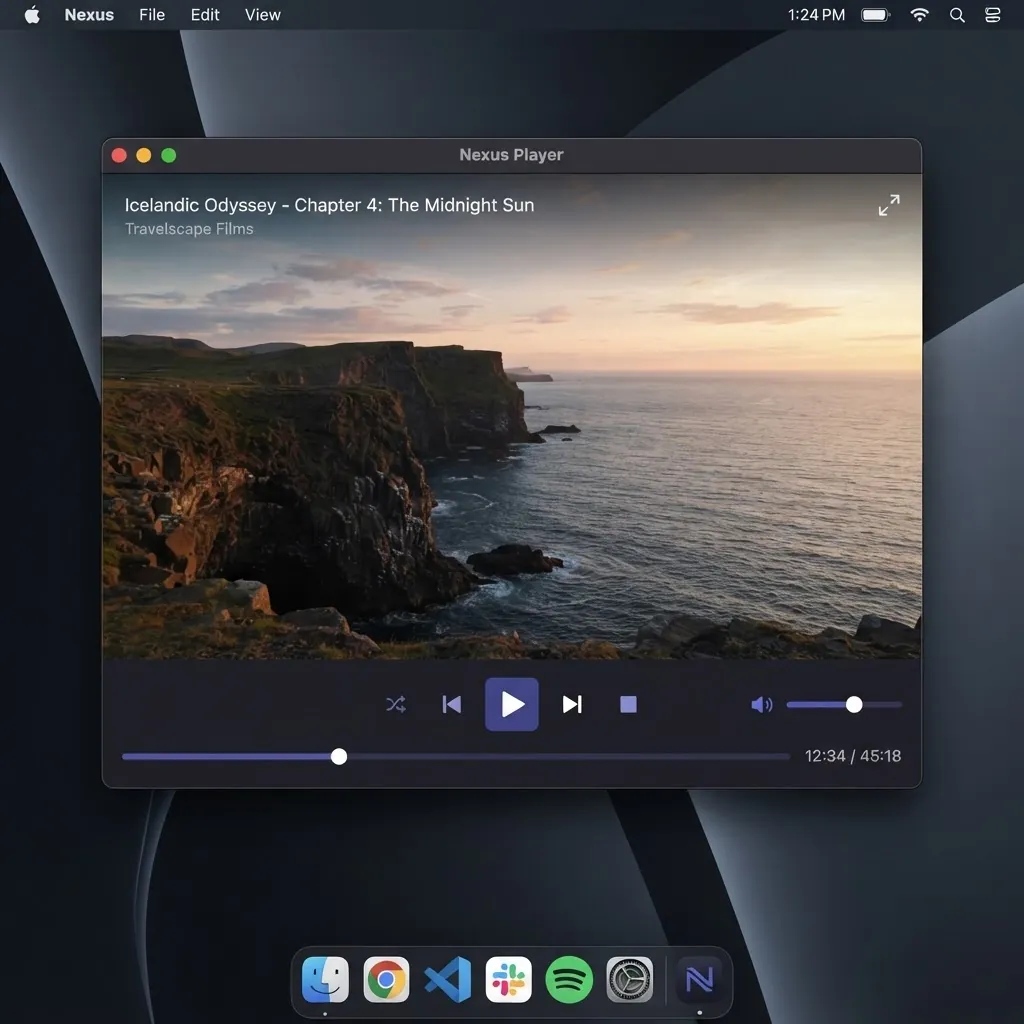
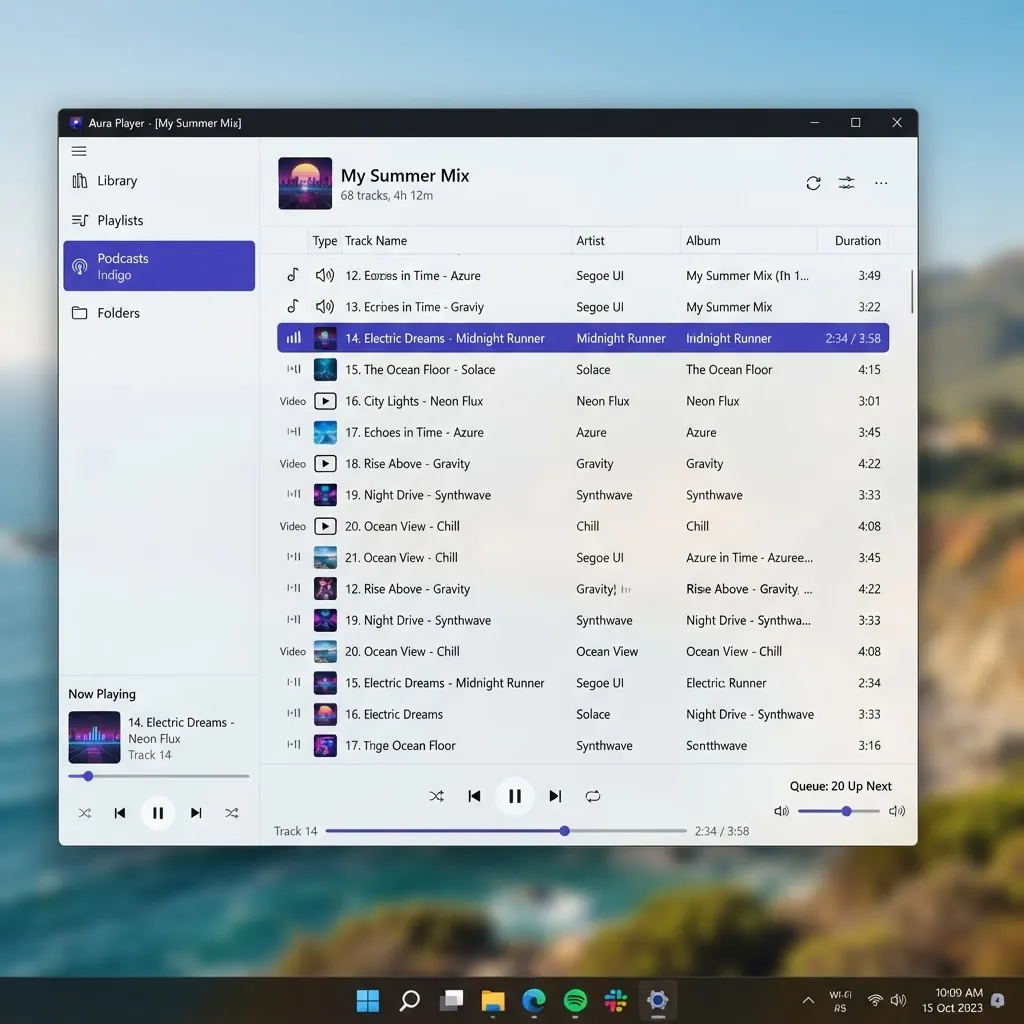
中を見てみる
デスクトップでもモバイルでも、整った機能的なインターフェース。
最新リリース
バージョン 3.0.23 は 2026-01-08 にリリースされました。フォーマット・デコーダー・安定性に関する通常の改善が含まれます。
よくある質問
ダウンロード前に最もよく聞かれる質問。
VLCは無料ですか?
はい。VLC は GPL ライセンスのもと完全に無料でオープンソースです。有料版や試用版、サブスクリプションはなく、すべての機能を誰でも無料で利用できます。
VLC Media Playerは安全ですか?
VLCは公式VideoLANウェブサイトまたは公式アプリストアからダウンロードした場合は安全です。サードパーティのミラーは避けてください。インストーラーに不要なソフトウェアが同梱されている場合があります。
VLCに広告は含まれていますか?
いいえ。VLC は広告を表示しません。公式ソースから入手した場合、バンドルされたアドウェアやスパイウェアも含まれません。
VLCはMKVファイルを再生できますか?
はい。MKV(Matroska)はそのまま再生できます。複数の音声トラックや埋め込み字幕にも対応しています。
VLCはHEVC / H.265を再生できますか?
はい。VLC は H.265/HEVC をデコードでき、多くの 4K ファイルにも対応します。対応ハードウェアではハードウェアアクセラレーションを有効にすると再生がスムーズになります。
VLCで動画を変換できますか?
はい。「メディア」メニューの「変換 / 保存」を使うと、追加ソフトなしでファイルの形式を変更したり音声を抽出したりできます。
VLCを更新するには?
デスクトップでは、ヘルプメニューから更新を確認できるほか、公式サイトから最新のインストーラーをダウンロードできます。モバイルではアプリストア経由で更新されます。
VLCをアンインストールするには?
Windows では「プログラムと機能」から削除します。macOS では VLC をアプリケーションフォルダからゴミ箱へドラッグします。Linux ではパッケージマネージャーで削除します。
VLC はどの動画形式に対応していますか?
MP4、MKV、AVI、MOV、WMV、FLV、WebM などほぼすべての一般的な形式に加え、MP3、FLAC、AAC などの音声にも追加のコーデックなしで対応します。
モバイル版 VLC はデスクトップ版と同じですか?
基本の再生機能は同じです。形式・字幕・プレイリストはそのまま使えます。デスクトップ版には変換や録画などの高度な機能があり、モバイル版はタッチ操作に最適化され、ネットワークストリーミングにも対応します。
関連リンク
私たちが運営する他の独立ソフトウェアサイト。
独立した VLC Media Player ガイド
本サイトは独立したコミュニティプロジェクトであり、VideoLAN とは提携しておらず、承認も受けていません。
すべてのダウンロードボタンは VideoLAN 公式ダウンロードサーバーへリダイレクトされます。