모든 것을 재생 VLC Media Player
VLC는 무료 오픈소스 크로스플랫폼 미디어 플레이어입니다. 광고와 추적이 없습니다.
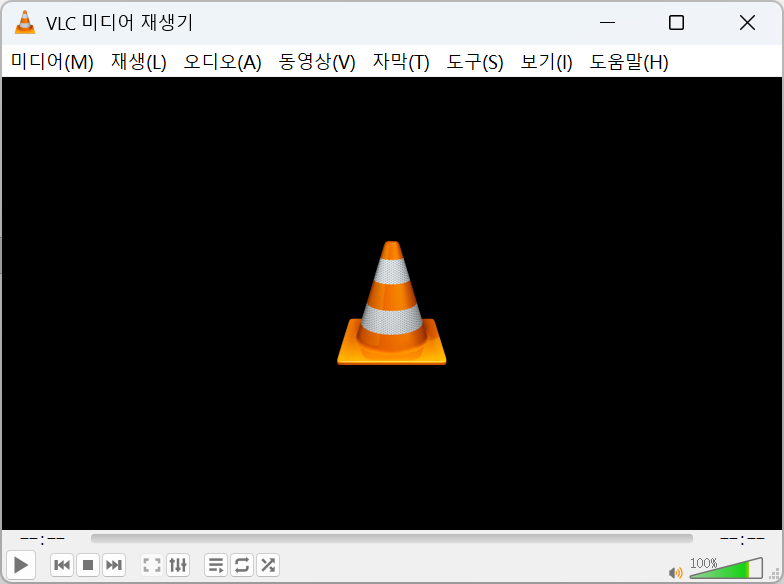
VLC 미디어 플레이어 소개
VLC는 비영리 단체 VideoLAN이 개발한 무료 오픈 소스 크로스 플랫폼 미디어 플레이어입니다. 2001년 첫 출시 이후 누적 다운로드 수가 45억 회를 넘어 세계에서 가장 인기 있는 플레이어 중 하나가 되었습니다. 풍부한 내장 디코더 덕분에 별도의 코덱 팩 없이도 거의 모든 오디오·비디오 파일을 바로 재생할 수 있으며, DVD·VCD 및 네트워크 스트리밍도 지원합니다.
본 사이트는 독립적인 VLC 가이드로, 버전 정보·기능 소개·FAQ·설치 방법과 함께 각 플랫폼의 공식 다운로드 경로를 정리합니다. 모든 다운로드 링크는 VideoLAN 공식 서버로 연결되므로 항상 안전하고 변조되지 않은 설치 파일을 받을 수 있습니다.
VLC는 MP4, MKV, AVI, MOV, WMV, FLV, WebM 등의 동영상 형식과 MP3, FLAC, AAC, OGG, WAV 등의 오디오 형식, SRT·ASS 등의 자막 형식을 지원하며, 4K·1080P 고화질 재생도 부드럽습니다.
VLC Media Player 다운로드
운영 체제를 선택하여 최신 버전을 받으세요.



보안을 위해 VLC는 항상 VideoLAN 공식 웹사이트에서 다운로드하세요. 이 페이지는 공식 소스로 연결됩니다.
VLC 설치 방법
플랫폼별 단계를 따라 하면 1분 안에 다운로드부터 재생까지 끝납니다.
Windows
- 1공식 사이트에서 .exe 설치 프로그램을 다운로드합니다.
- 2파일을 더블클릭하고 보안 프롬프트를 수락합니다.
- 3설치 마법사를 따른 뒤 시작 메뉴에서 VLC를 실행합니다.
macOS
- 1.dmg 디스크 이미지를 다운로드합니다.
- 2열어서 VLC 아이콘을 응용 프로그램 폴더로 드래그합니다.
- 3VLC를 실행합니다. 첫 실행 시 Gatekeeper 프롬프트가 나타나면 허용하세요.
Linux
- 1배포판의 패키지 관리자나 Flatpak을 사용하는 것을 권장합니다.
- 2Debian/Ubuntu: sudo apt install vlc 실행.
- 3Fedora: sudo dnf install vlc 실행.
Android
- 1Google Play에서 "VLC"를 검색하거나 공식 사이트에서 APK를 받습니다.
- 2설치를 눌러 권한을 허용하면 로컬 및 네트워크 동영상을 바로 재생할 수 있습니다.
- 3앱 설정에서 하드웨어 가속과 자막 기본 설정을 켤 수 있습니다.
iOS
- 1App Store에서 "VLC media player"를 검색해 설치합니다.
- 2Wi-Fi 공유, 클라우드 저장소 또는 로컬 네트워크로 동영상을 가져옵니다.
- 3첫 실행 직후 바로 재생되며 추가 설정이 필요 없습니다.
다운로드 안전 수칙
아래 수칙을 지키면 번들 소프트웨어와 가짜 설치 파일을 피할 수 있습니다.
VideoLAN 공식 사이트 또는 본 사이트에서 안내하는 공식 경로에서만 다운로드하고, 출처가 불분명한 다운로드 사이트는 피하세요.
VLC는 완전 무료입니다. 결제나 "인증"을 요구하는 VLC 다운로드 페이지는 주의하세요.
설치 과정에서 각 화면의 옵션을 확인하고, 함께 제안되는 추가 소프트웨어는 선택을 해제하세요.
파일 무결성을 확인하려면 설치 전에 공개된 SHA-256 체크섬을 대조하세요.
다운로드 검증(선택 사항) — 고급 사용자는 각 공식 릴리스와 함께 게시된 SHA-256 체크섬을 대조하여 파일이 변조되지 않았는지 확인할 수 있습니다.
VLC를 선택하는 이유
거의 모든 재생 요구를 충족하는 엄선된 기능 세트.
거의 모든 미디어 형식 재생
VLC는 MP4, MKV, AVI, MOV, FLAC, MP3, HEVC 등 대부분의 오디오·비디오 형식을 추가 코덱 팩 없이 디코딩합니다. 필요한 대부분이 내장되어 있어 파일을 열면 바로 재생됩니다.
자막 지원
외부 자막 파일(SRT, ASS, SUB)을 불러오거나 영상에 내장된 자막 트랙을 사용할 수 있습니다. VLC에서는 크기, 타이밍, 동기화를 실시간으로 조절해 대사가 항상 화면과 맞도록 유지합니다.
스트리밍 및 네트워크 재생
HTTP, RTSP, MMS 등으로 네트워크 스트림을 열거나 URL을 붙여넣어 바로 시청하세요. VLC는 스트리밍 서버로 동작해 로컬 네트워크의 다른 기기로 미디어를 전송할 수도 있습니다.
미디어 변환
내장된 변환/저장 도구로 형식 간 파일 변환이 가능합니다. 다른 기기용으로 영상을 다시 패키징하거나 오디오 트랙을 추출할 수도 있으며, 별도의 변환 프로그램이 필요 없습니다.
화면 및 웹캠 녹화
VLC에서 바로 데스크톱이나 웹캠 화면을 캡처할 수 있습니다. 빠른 녹화, 데모, 스트림을 로컬 파일로 저장해 나중에 보기에 유용합니다.
재생 목록 관리
음악이나 영상 마라톤을 위해 재생 목록을 만들고, 저장하고, 다시 정렬하세요. VLC는 대기열을 기억하며 긴 세션에서도 반복, 셔플, 항목별 옵션을 지원합니다.
하드웨어 가속
디코딩을 GPU에 맡겨 고해상도 재생을 부드럽게 유지하면서 CPU 사용량과 전력 소모를 줄입니다. 주요 플랫폼에서 사용할 수 있으며 기본 설정에서 켜고 끌 수 있습니다.
오디오·비디오 효과
내장 이퀄라이저, 필터, 조절 기능으로 소리와 화면을 세밀하게 다듬을 수 있습니다. 애드온 없이 저음을 강화하거나 음량을 정규화하고 밝기와 대비를 조절할 수 있습니다.
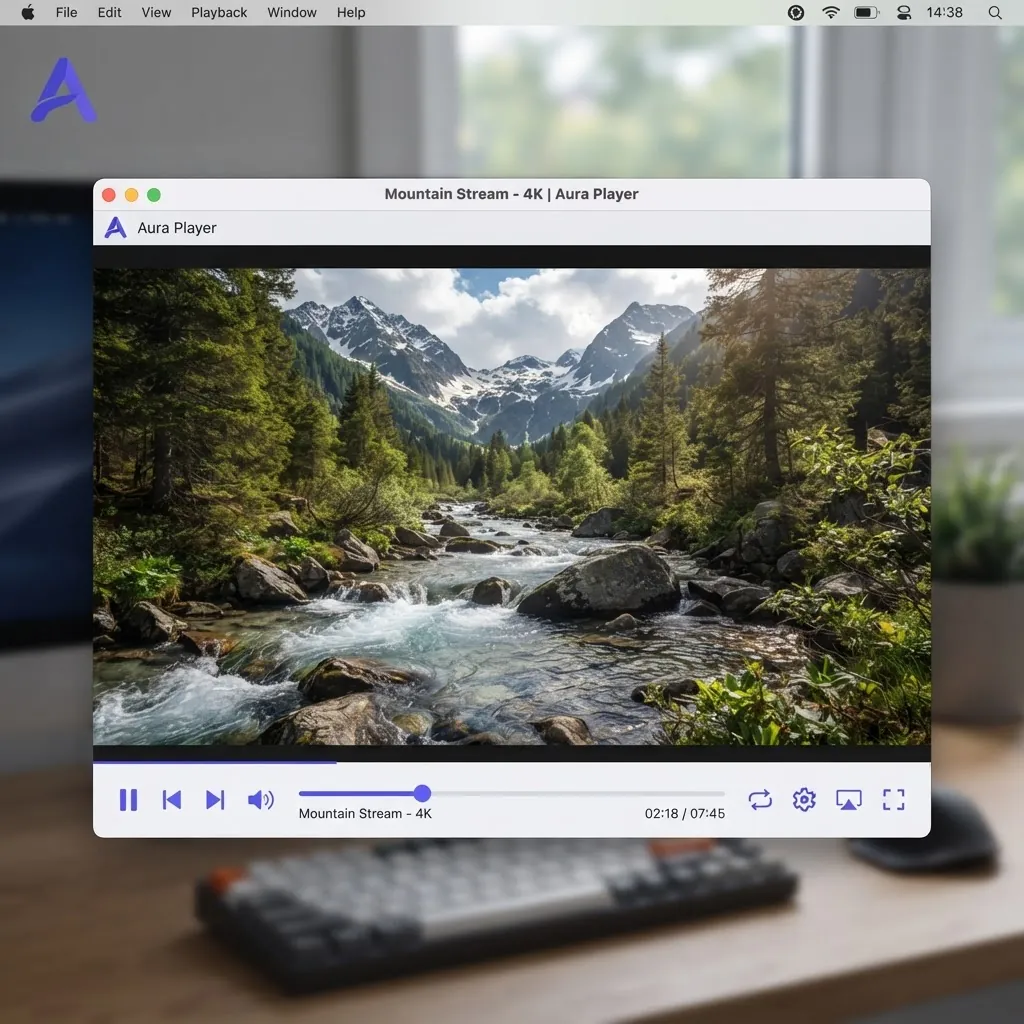
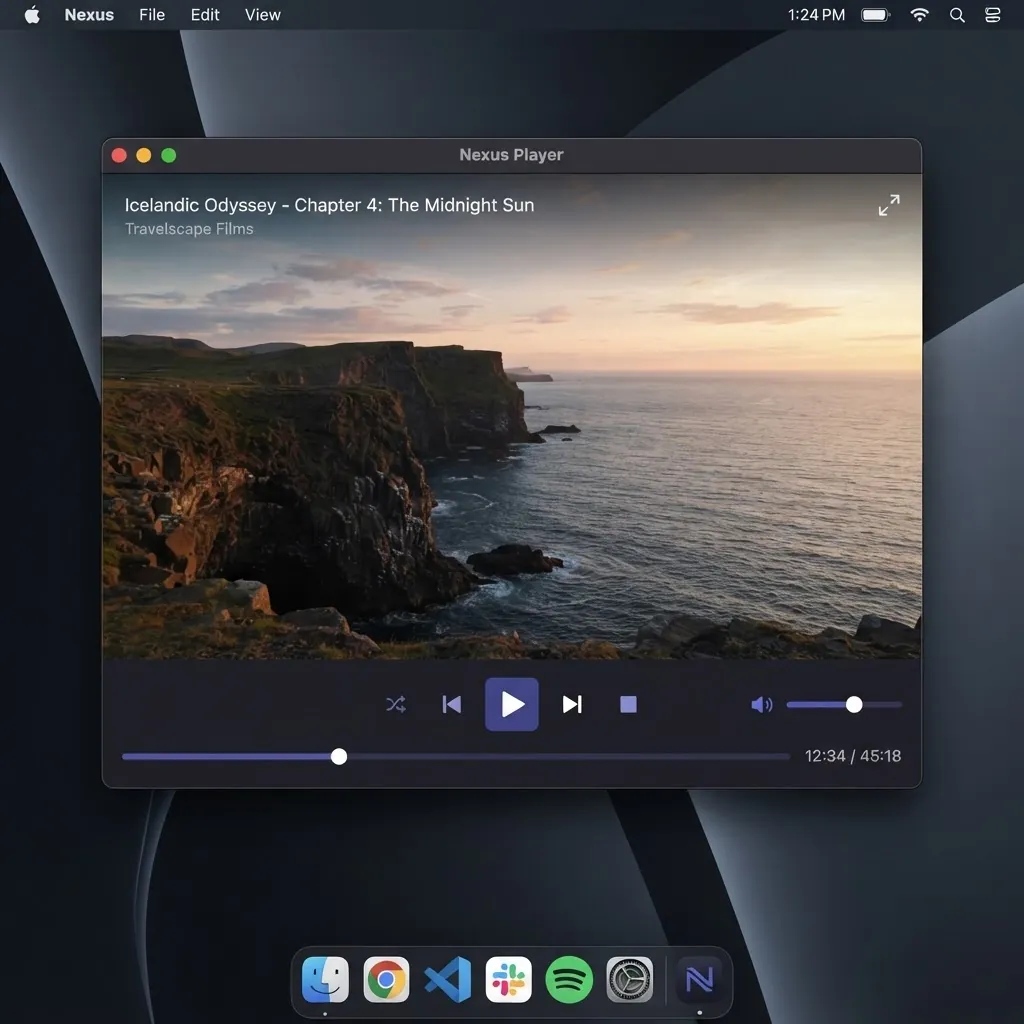
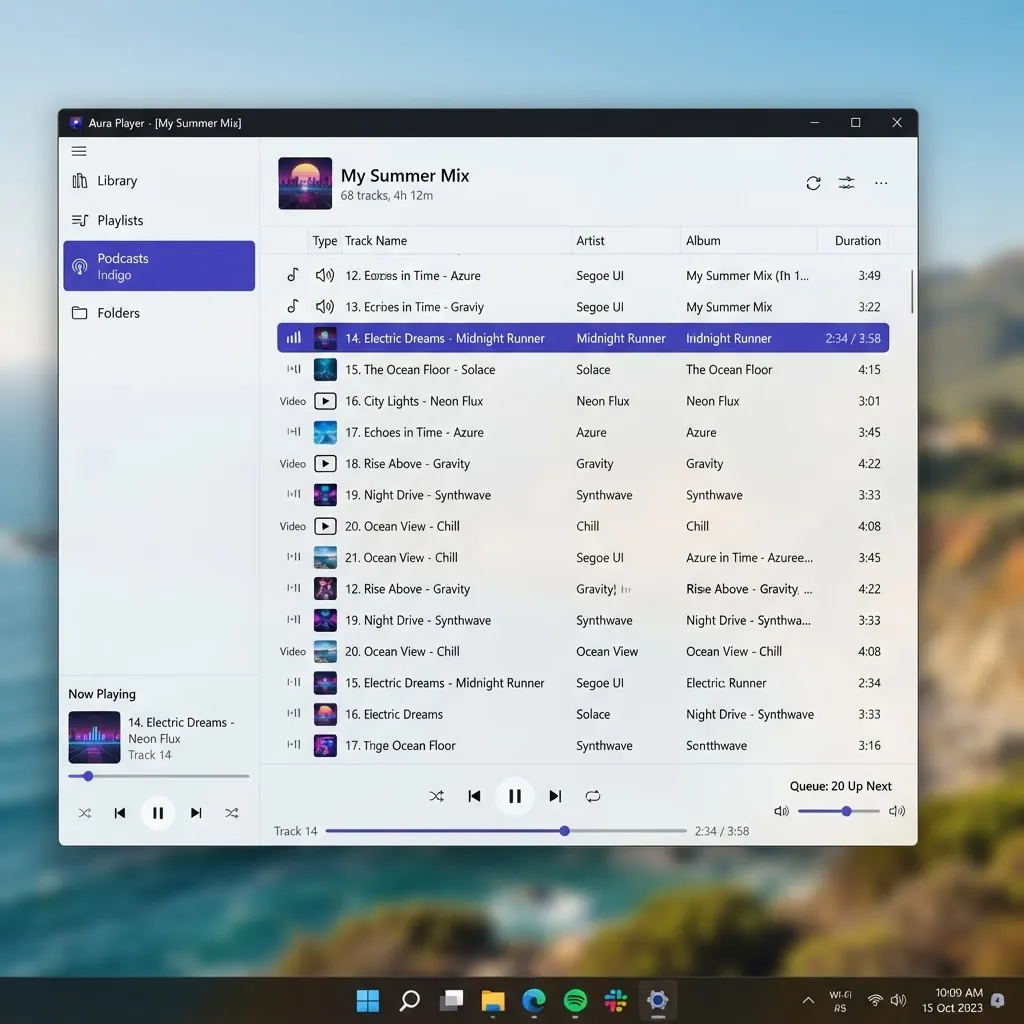
내부 살펴보기
데스크톱과 모바일 모두 깔끔하고 실용적인 인터페이스.
최신 릴리스
버전 3.0.23은(는) 2026-01-08에 출시되었습니다. 일반적인 형식·디코더·안정성 개선이 포함됩니다.
자주 묻는 질문
다운로드 전에 가장 많이 묻는 질문.
VLC는 무료인가요?
네. VLC는 GPL 라이선스에 따라 완전히 무료이며 오픈소스입니다. 유료 버전이나 평가판, 구독은 없으며 모든 기능을 누구나 무료로 이용할 수 있습니다.
VLC Media Player는 안전한가요?
VLC는 공식 VideoLAN 웹사이트나 공식 앱스토어에서 다운로드하면 안전합니다. 타사 미러를 피하세요. 일부는 설치 프로그램에 원치 않는 소프트웨어를 번들로 포함하기도 합니다.
VLC에 광고가 있나요?
아니요. VLC는 광고를 표시하지 않습니다. 공식 소스에서 받으면 번들 애드웨어나 스파이웨어도 포함되지 않습니다.
VLC는 MKV 파일을 재생할 수 있나요?
네. MKV(Matroska)는 기본적으로 재생됩니다. 여러 오디오 트랙과 내장 자막도 지원합니다.
VLC는 HEVC / H.265를 재생할 수 있나요?
네. VLC는 H.265/HEVC를 디코딩할 수 있으며 많은 4K 파일도 지원합니다. 지원되는 하드웨어에서는 하드웨어 가속을 켜면 재생이 원활해집니다.
VLC로 동영상을 변환할 수 있나요?
네. 미디어 메뉴의 변환/저장 기능을 사용하면 추가 소프트웨어 없이 파일 형식을 변경하거나 오디오를 추출할 수 있습니다.
VLC를 업데이트하려면?
데스크톱에서는 도움말 메뉴에서 업데이트를 확인하거나 공식 사이트에서 최신 설치 프로그램을 받을 수 있습니다. 모바일에서는 앱 스토어를 통해 업데이트됩니다.
VLC를 제거하려면?
Windows에서는 프로그램 추가/제거를 사용합니다. macOS에서는 VLC를 응용 프로그램 폴더에서 휴지통으로 드래그합니다. Linux에서는 패키지 관리자로 제거합니다.
VLC는 어떤 동영상 형식을 지원하나요?
MP4, MKV, AVI, MOV, WMV, FLV, WebM 등 거의 모든 일반 형식과 MP3, FLAC, AAC 등 오디오 형식을 추가 코덱 없이 지원합니다.
모바일용 VLC도 PC용과 같은가요?
핵심 재생 기능은 동일합니다. 형식, 자막, 재생 목록이 모두 같게 작동합니다. PC 버전은 변환·녹화 같은 고급 기능이 추가되고, 모바일 버전은 터치에 최적화되어 네트워크 스트리밍도 지원합니다.
링크
우리가 만든 다른 독립 소프트웨어 사이트.
독립 VLC 미디어 플레이어 가이드
이 웹사이트는 독립적인 커뮤니티 프로젝트이며 VideoLAN과 제휴하거나 보증을 받지 않았습니다.
모든 다운로드 버튼은 VideoLAN 공식 다운로드 서버로 연결됩니다.