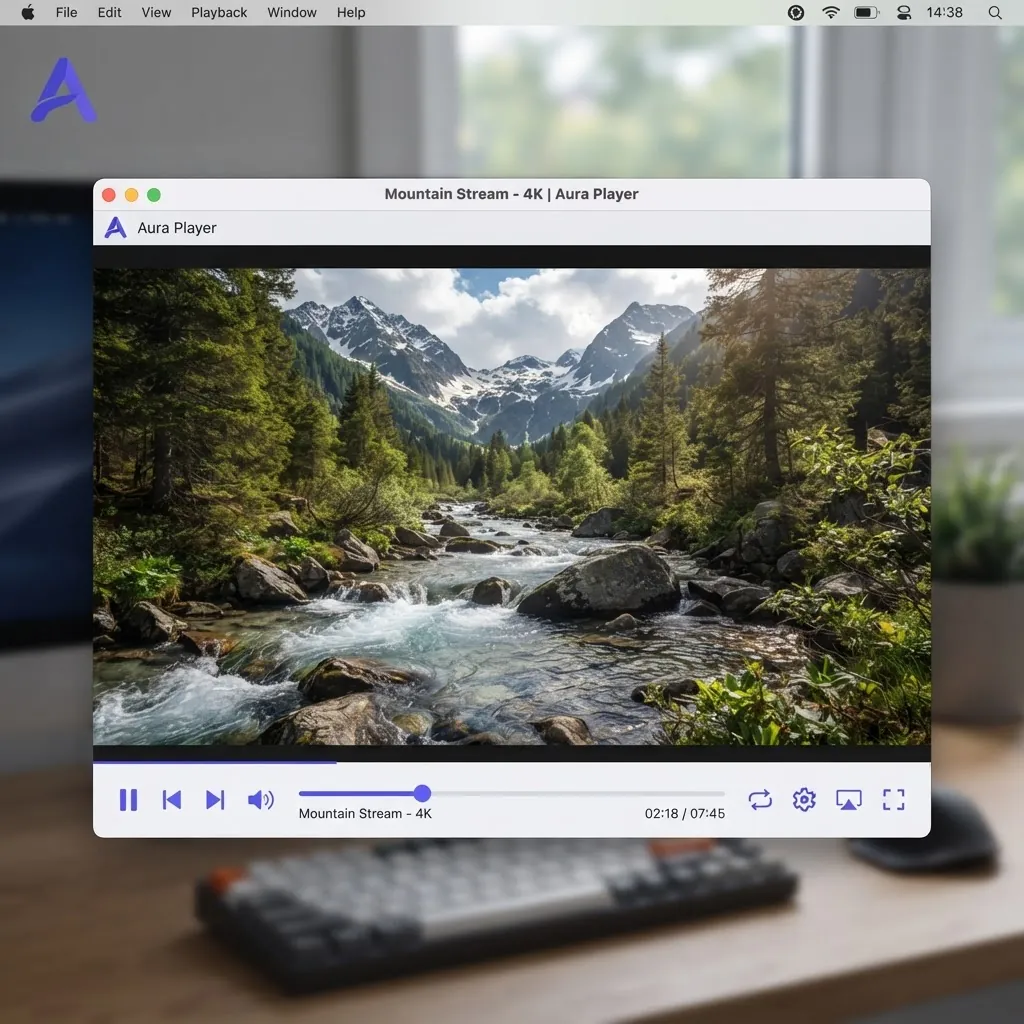
최신 · v3.0.23
VLC media player
VLC는 자유롭고 오픈소스인 크로스 플랫폼 멀티미디어 플레이어이자 프레임워크로, 대부분의 멀티미디어 파일은 물론 DVD, 오디오 CD, VCD, 각종 스트리밍 프로토콜을 재생합니다.
VLC 다운로드
버전 3.0.23 · Windows 64비트 · 40 MB
누적 다운로드 45억 회 이상
보안을 위해 VLC는 항상 VideoLAN 공식 웹사이트에서 다운로드하세요. 이 페이지는 공식 소스로 연결됩니다.
플랫폼 선택
가장 인기 있는 시스템을 위한 원클릭 다운로드.



간단하고, 빠르고, 강력합니다
무엇이든 재생 — 파일, 디스크, 웹캠, 기기, 스트림.
코덱 팩 없이 대부분의 코덱 재생 — MPEG-2, MPEG-4, H.264, MKV, WebM, WMV, MP3…
모든 플랫폼에서 실행 — Windows, Linux, Mac OS X, Unix, iOS, Android…
완전 무료 — 스파이웨어 없음, 광고 없음, 사용자 추적 없음.
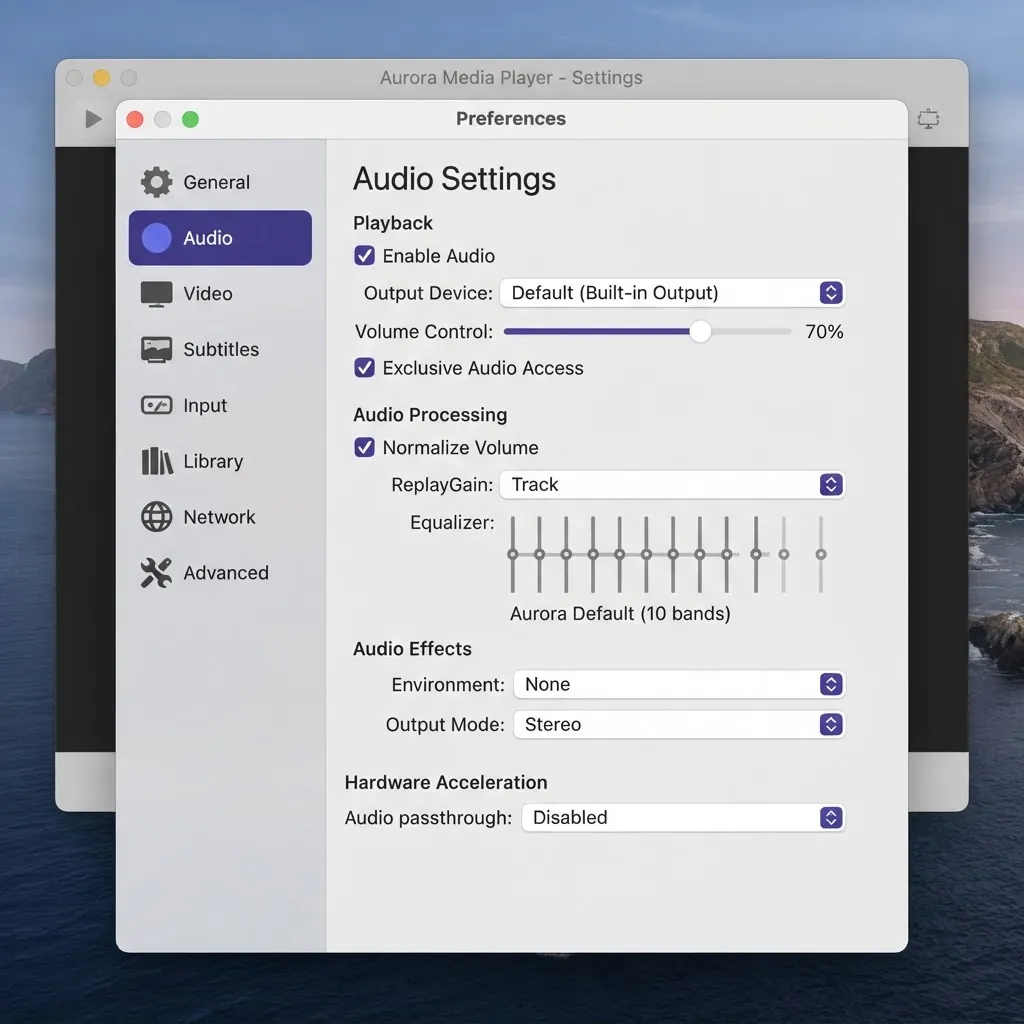
커스터마이즈
스킨 추가 — 커뮤니티 스킨으로 VLC의 모양을 완전히 바꿔보세요.
VLC 스킨 편집기로 스킨 제작 — 인터페이스를 처음부터 직접 디자인할 수 있습니다.
확장 기능 설치 — Lua 애드온으로 자막 다운로더 등을 추가하세요.
설치 가이드
Windows
- 1공식 사이트에서 .exe 설치 프로그램을 다운로드합니다.
- 2파일을 더블클릭하고 보안 프롬프트를 수락합니다.
- 3설치 마법사를 따른 뒤 시작 메뉴에서 VLC를 실행합니다.
macOS
- 1.dmg 디스크 이미지를 다운로드합니다.
- 2열어서 VLC 아이콘을 응용 프로그램 폴더로 드래그합니다.
- 3VLC를 실행합니다. 첫 실행 시 Gatekeeper 프롬프트가 나타나면 허용하세요.
Linux
- 1배포판의 패키지 관리자나 Flatpak을 사용하는 것을 권장합니다.
- 2Debian/Ubuntu: sudo apt install vlc 실행.
- 3Fedora: sudo dnf install vlc 실행.
Android
- 1Google Play에서 "VLC"를 검색하거나 공식 사이트에서 APK를 받습니다.
- 2설치를 눌러 권한을 허용하면 로컬 및 네트워크 동영상을 바로 재생할 수 있습니다.
- 3앱 설정에서 하드웨어 가속과 자막 기본 설정을 켤 수 있습니다.
iOS
- 1App Store에서 "VLC media player"를 검색해 설치합니다.
- 2Wi-Fi 공유, 클라우드 저장소 또는 로컬 네트워크로 동영상을 가져옵니다.
- 3첫 실행 직후 바로 재생되며 추가 설정이 필요 없습니다.
다운로드 검증(선택 사항)
고급 사용자는 각 공식 릴리스와 함께 게시된 SHA-256 체크섬을 대조하여 파일이 변조되지 않았는지 확인할 수 있습니다.
이전 버전
구버전이 필요한 경우를 대비해 최근 릴리스를 정리했습니다.
- 버전 3.0.212024-06-15
- 버전 3.0.202023-09-08
- 버전 3.0.192023-08-10
- 버전 3.0.182022-11-21
VLC 미디어 플레이어 다운로드
지원되는 각 플랫폼의 전용 다운로드 페이지를 엽니다.