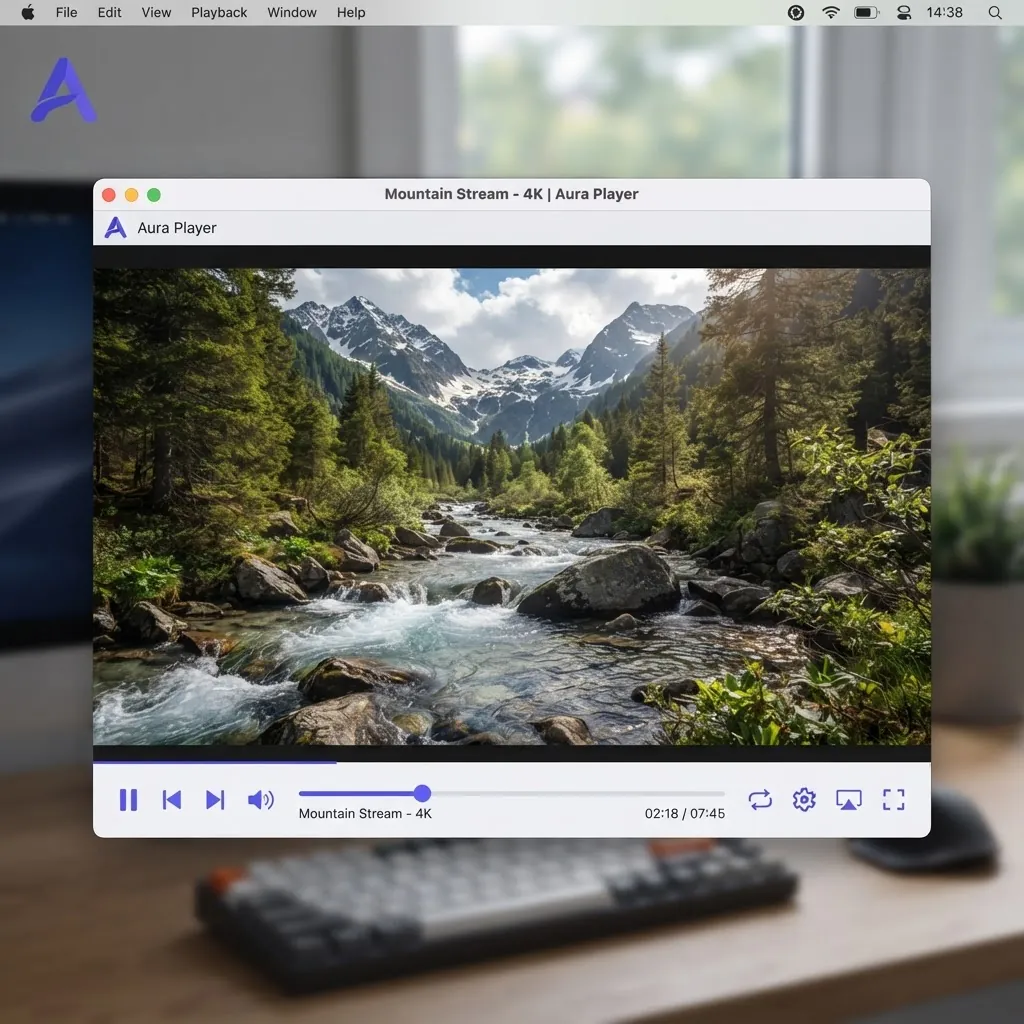
VLC media player
VLC is a free and open source cross-platform multimedia player and framework that plays most multimedia files as well as DVDs, Audio CDs, VCDs, and various streaming protocols.
Version 3.0.23 · Windows 64-bit · 40 MB
4.5 billion+ downloads
For your security, always download VLC from the official VideoLAN website. This page links to the official sources.
Choose your platform
One-click downloads for the most popular systems.



Simple, fast and powerful
Plays everything — Files, discs, webcams, devices and streams.
Plays most codecs with no codec packs needed — MPEG-2, MPEG-4, H.264, MKV, WebM, WMV, MP3…
Runs on all platforms — Windows, Linux, Mac OS X, Unix, iOS, Android…
Completely free — No spyware, no ads and no user tracking.
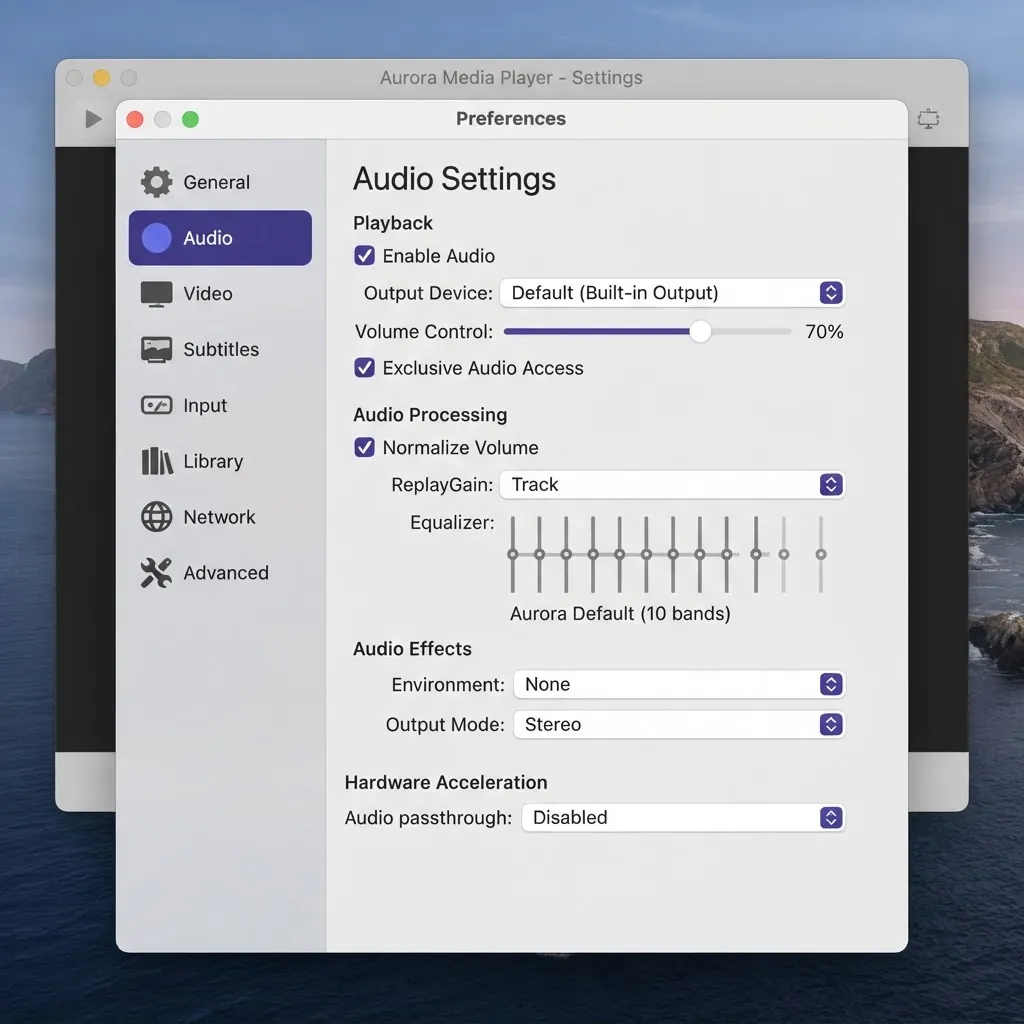
Customise
Add skins — Change the whole look of VLC with community skins.
Create skins with the VLC skin editor — Design your own interface from scratch.
Install extensions — Add subtitles fetchers and more via Lua add-ons.
Installation guide
Windows
- 1Download the .exe installer from the official site.
- 2Double-click the file and accept the security prompt.
- 3Follow the setup wizard, then launch VLC from the Start menu.
macOS
- 1Download the .dmg disk image.
- 2Open it and drag the VLC icon into your Applications folder.
- 3Launch VLC; approve the first-run prompt from Gatekeeper if asked.
Linux
- 1Prefer your distribution’s package manager or Flatpak.
- 2Debian/Ubuntu: run sudo apt install vlc.
- 3Fedora: run sudo dnf install vlc.
Android
- 1Search for "VLC" in Google Play, or get the APK from the official site.
- 2Tap install, grant the requested permissions, and start playing local and network videos.
- 3Enable hardware acceleration and subtitle preferences in the app settings.
iOS
- 1Search for "VLC media player" in the App Store and install it.
- 2Import videos via Wi-Fi sharing, cloud storage or your local network.
- 3It plays right after the first launch — no extra configuration needed.
Verifying your download (optional)
Advanced users can verify the SHA-256 checksum published alongside each official release to confirm the file has not been altered.
Previous versions
A few recent releases, in case you need an older build.
- Version 3.0.212024-06-15
- Version 3.0.202023-09-08
- Version 3.0.192023-08-10
- Version 3.0.182022-11-21
VLC media player downloads
Open a dedicated download page for every supported platform.