Reproduza quase tudo com VLC Media Player
VLC é um player multimídia gratuito e multiplataforma – sem anúncios e sem rastreamento.
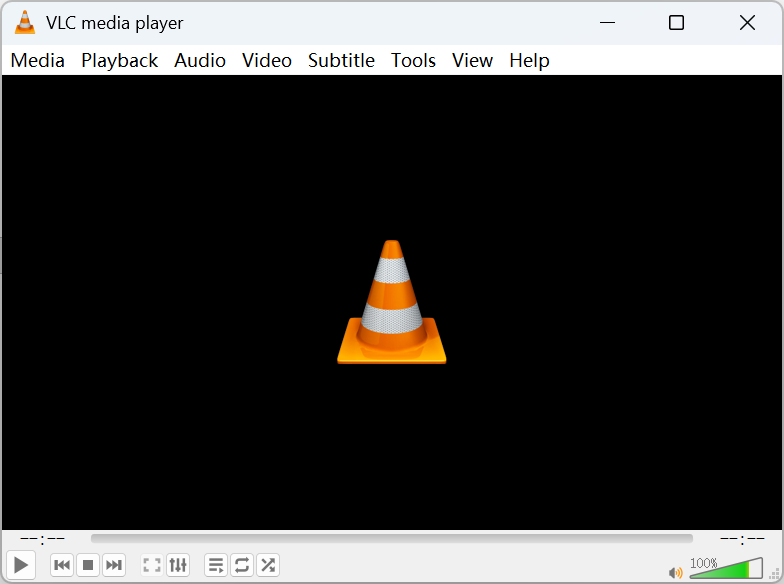
Sobre o VLC Media Player
O VLC é um player multimídia gratuito, de código aberto e multiplataforma, desenvolvido pelo projeto sem fins lucrativos VideoLAN. Desde o primeiro lançamento em 2001, foi baixado mais de 4,5 bilhões de vezes, tornando-se um dos players mais populares do mundo. Com um rico conjunto de decodificadores integrados, o VLC reproduz quase qualquer arquivo de áudio ou vídeo sem precisar de pacotes de codecs extras — além de DVDs, VCDs e transmissões de rede.
Este site é um guia independente do VLC: informações de versões, apresentação de recursos, respostas no FAQ e tutoriais de instalação, além dos canais oficiais de download para cada plataforma. Todos os links de download apontam para os servidores oficiais do VideoLAN, garantindo um instalador seguro e sem modificações.
O VLC suporta formatos de vídeo como MP4, MKV, AVI, MOV, WMV, FLV e WebM, formatos de áudio como MP3, FLAC, AAC, OGG e WAV, e formatos de legenda como SRT e ASS — com reprodução fluida em 4K e 1080p.
Baixar VLC Media Player
Escolha o seu sistema operacional para obter a versão mais recente.



Por segurança, baixe sempre o VLC pelo site oficial da VideoLAN. Esta página aponta para as fontes oficiais.
Como instalar o VLC
Siga os passos da sua plataforma — um minuto do download à reprodução.
Windows
- 1Baixe o instalador .exe no site oficial.
- 2Clique duas vezes no arquivo e aceite o aviso de segurança.
- 3Siga o assistente de instalação e abra o VLC pelo menu Iniciar.
macOS
- 1Baixe a imagem de disco .dmg.
- 2Abra-a e arraste o ícone do VLC para a pasta Aplicativos.
- 3Abra o VLC; se o Gatekeeper perguntar, aprove na primeira execução.
Linux
- 1Prefira o gerenciador de pacotes da sua distribuição ou o Flatpak.
- 2Debian/Ubuntu: execute sudo apt install vlc.
- 3Fedora: execute sudo dnf install vlc.
Android
- 1Procure por "VLC" na Google Play ou baixe o APK no site oficial.
- 2Toque em instalar, conceda as permissões e comece a reproduzir vídeos locais e de rede.
- 3Ative a aceleração de hardware e as preferências de legenda nas configurações do aplicativo.
iOS
- 1Procure por "VLC media player" na App Store e instale.
- 2Importe vídeos via compartilhamento Wi-Fi, armazenamento em nuvem ou rede local.
- 3Reproduz logo após a primeira abertura — nenhuma configuração extra é necessária.
Dicas de segurança para o download
Siga estas dicas para evitar programas empacotados e instaladores falsos.
Baixe apenas do site oficial do VideoLAN ou dos canais oficiais listados aqui — evite sites de download desconhecidos.
O VLC é totalmente gratuito; desconfie de qualquer página de "download do VLC" que peça pagamento ou ativação.
Leia cada tela do instalador e desmarque quaisquer ofertas empacotadas antes de continuar.
Para verificar a integridade do arquivo, compare a soma de verificação SHA-256 publicada pelo VideoLAN antes de instalar.
Verificando seu download (opcional) — Usuários avançados podem comparar a soma de verificação SHA-256 publicada junto com cada versão oficial para confirmar que o arquivo não foi alterado.
Por que as pessoas escolhem o VLC
Um conjunto focado de recursos que cobre quase todas as necessidades de reprodução.
Reproduza quase qualquer formato de mídia
O VLC decodifica a grande maioria dos formatos de áudio e vídeo — MP4, MKV, AVI, MOV, FLAC, MP3, HEVC e mais — sem baixar pacotes de codecs extras. A maior parte do necessário já vem embutida, então os arquivos simplesmente abrem e tocam.
Suporte a legendas
Carregue arquivos de legenda externos (SRT, ASS, SUB) ou use faixas embutidas no vídeo. O VLC permite ajustar tamanho, tempo e sincronização em tempo real, para que os diálogos fiquem sempre alinhados com a imagem.
Streaming e reprodução pela rede
Abra streams de rede via HTTP, RTSP, MMS e mais, ou cole um URL para assistir diretamente. O VLC também pode funcionar como servidor de streaming, transmitindo mídia pela rede local para outros dispositivos.
Conversão de mídia
Converta arquivos entre formatos com a ferramenta integrada Converter/Salvar. Reempacote um vídeo para outro dispositivo ou extraia uma faixa de áudio — sem precisar de um aplicativo conversor separado.
Gravação de tela e webcam
Capture sua área de trabalho ou a webcam diretamente do VLC. É útil para gravações rápidas, demonstrações ou para salvar um stream em um arquivo local para assistir depois.
Gerenciamento de lista de reprodução
Crie, salve e reordene listas de reprodução para maratonas de música ou vídeo. O VLC lembra sua fila e oferece repetição, aleatório e opções por item em sessões longas.
Aceleração de hardware
Transfira a decodificação para a GPU para manter a reprodução em alta resolução fluida, reduzindo o uso da CPU e o consumo de energia. Disponível nas principais plataformas e pode ser ativada nas preferências.
Efeitos de áudio e vídeo
Um equalizador integrado, filtros e ajustes permitem refinar som e imagem. Reforce os graves, normalize o volume ou ajuste brilho e contraste sem nenhum complemento.
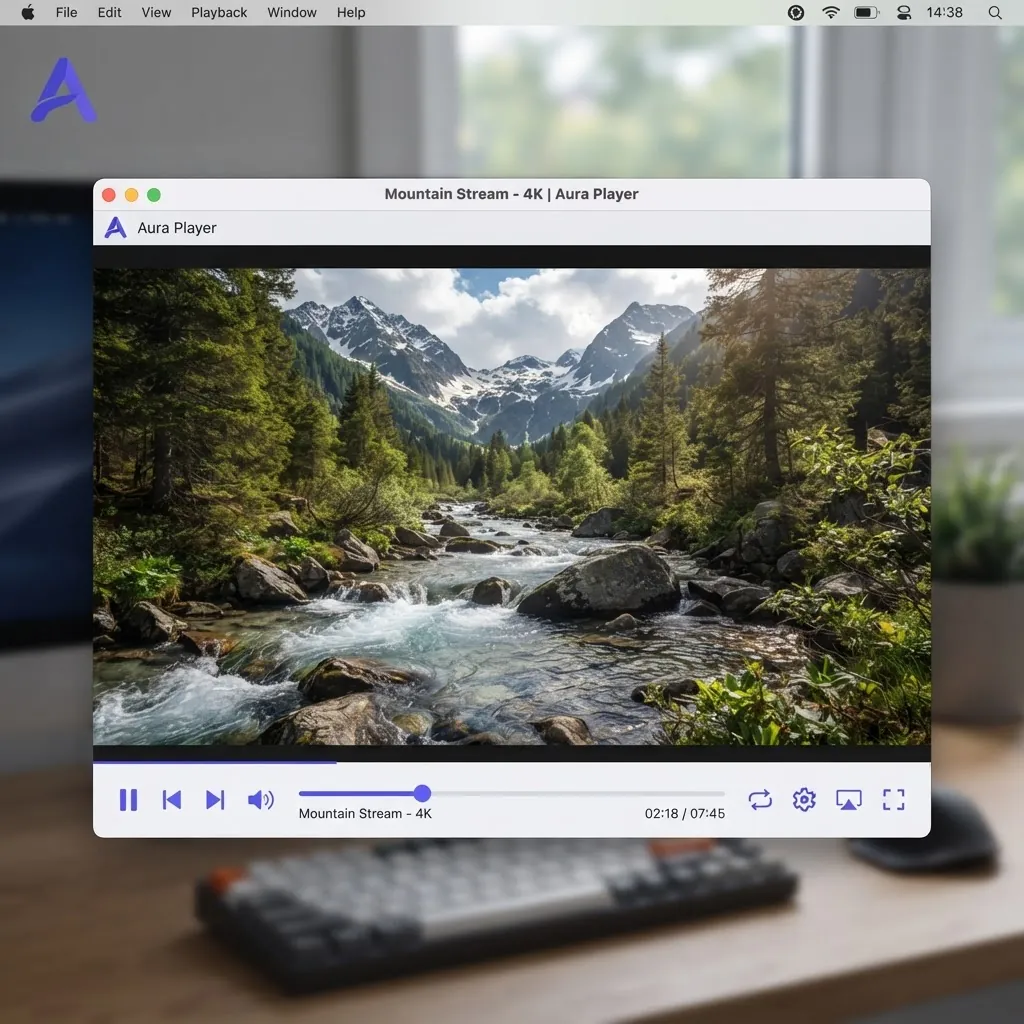
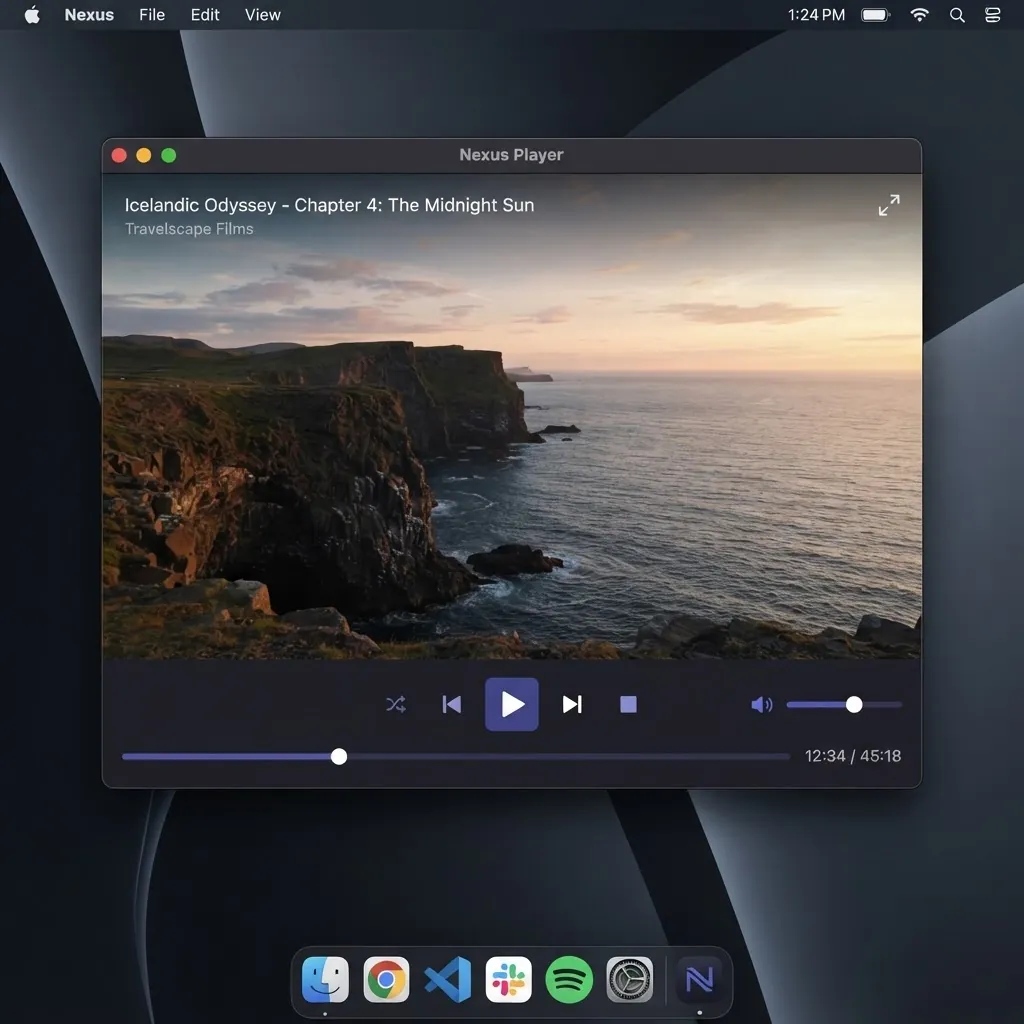
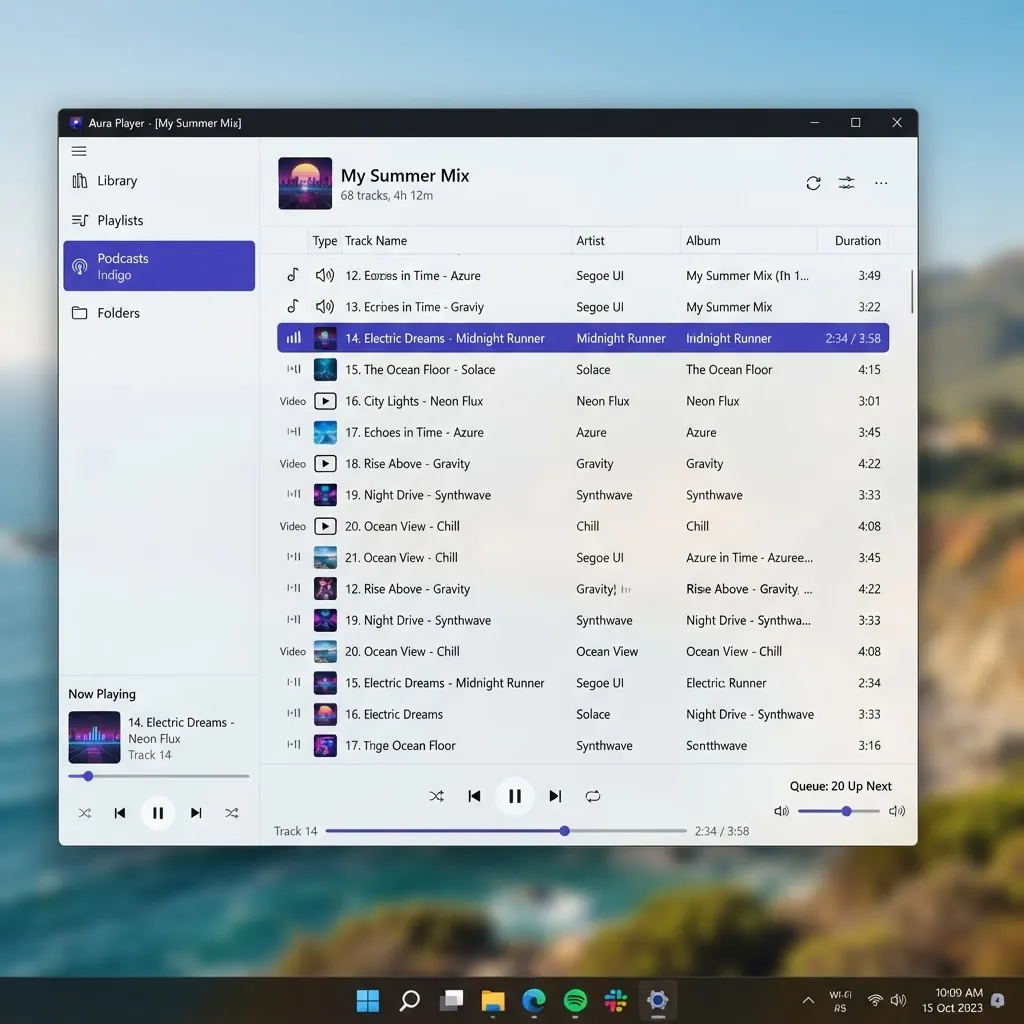
Uma olhada por dentro
Interface limpa e funcional no desktop e no celular.
Última release
A versão 3.0.23 foi publicada em 2026-01-08. Ela reúne as melhorias habituais de formatos, decodificadores e estabilidade.
Respostas rápidas
As perguntas mais frequentes antes de baixar.
O VLC é gratuito?
Sim. O VLC é totalmente gratuito e de código aberto sob a licença GPL. Não há versão paga, teste ou assinatura.
O VLC Media Player é seguro?
O VLC é seguro quando baixado do site oficial do VideoLAN ou de uma loja oficial. Evite espelhos de terceiros, que às vezes incluem software indesejado no instalador.
O VLC contém anúncios?
Não. O VLC não mostra anúncios e não inclui adware ou spyware.
O VLC consegue reproduzir arquivos MKV?
Sim. A reprodução de MKV funciona imediatamente, incluindo múltiplas faixas de áudio e legendas.
O VLC consegue reproduzir HEVC / H.265?
Sim. O VLC decodifica H.265/HEVC, incluindo muitos arquivos 4K. A aceleração de hardware ajuda na reprodução suave.
O VLC consegue converter vídeos?
Sim. Use o recurso Converter / Salvar no menu Mídia para mudar o formato de um arquivo ou extrair o áudio sem nenhum software adicional.
Como atualizo o VLC?
No desktop, o VLC verifica atualizações pelo menu Ajuda, ou você pode baixar o instalador mais recente do site oficial. No celular, as atualizações chegam pela loja de aplicativos.
Como desinstalo o VLC?
No Windows, use Adicionar ou Remover Programas. No macOS, arraste o VLC da pasta Aplicativos para a Lixeira. No Linux, remova-o com o gerenciador de pacotes.
Quais formatos de vídeo o VLC suporta?
O VLC reproduz quase todos os formatos comuns — MP4, MKV, AVI, MOV, WMV, FLV, WebM — além de áudio como MP3, FLAC e AAC, sem pacotes de codecs extras.
O VLC no celular é igual ao do computador?
A reprodução principal é idêntica: formatos, legendas e listas de reprodução funcionam da mesma forma. A versão desktop adiciona ferramentas como conversão e gravação, enquanto os apps móveis são otimizados para toque e suportam transmissão pela rede.
Links de Parceiros
Outros sites de software independentes que criamos.
Guia independente do VLC Media Player
Este site é um projeto independente da comunidade. Não é afiliado nem endossado pela VideoLAN.
Todos os botões de download redirecionam para os servidores oficiais de download da VideoLAN.